
Transparency: This is a sponsored post and therefore paid advertising. The story is a fictional illustration of a typical user experience, not a journalistic investigation. Individual results may vary.
Chaos in the picture? A camera review for livestreams in different locations
Outdoor interviews and event broadcasts often involve changes in light, movement and available space. Three examples explain which camera features help and what to check before using the Sony ZV-E10 II with a 16–50mm lens.
Choose for the way you broadcast
When you broadcast from a desk, most of the preparation can be done before anyone starts watching. The camera stays in one place, the microphone is nearby and the lighting can remain the same. Filming a walk or an interview at an event requires more adjustments.
A conversation may continue until it is dark. Someone may step between the camera and the presenter. A second guest may join while there is too little room to move back. These changes can create confusion if the equipment is difficult to adjust or nobody knows who should move it.
You can reduce those interruptions by choosing for the situation. Consider the lens, focus controls and screen, along with the microphone and support. The three scenes below are fictional examples of common filming problems. They explain the relevant requirements before considering the Sony ZV-E10 II kit offered by Henry’s in Canada.
Case 1: A waterfront broadcast gets too dark
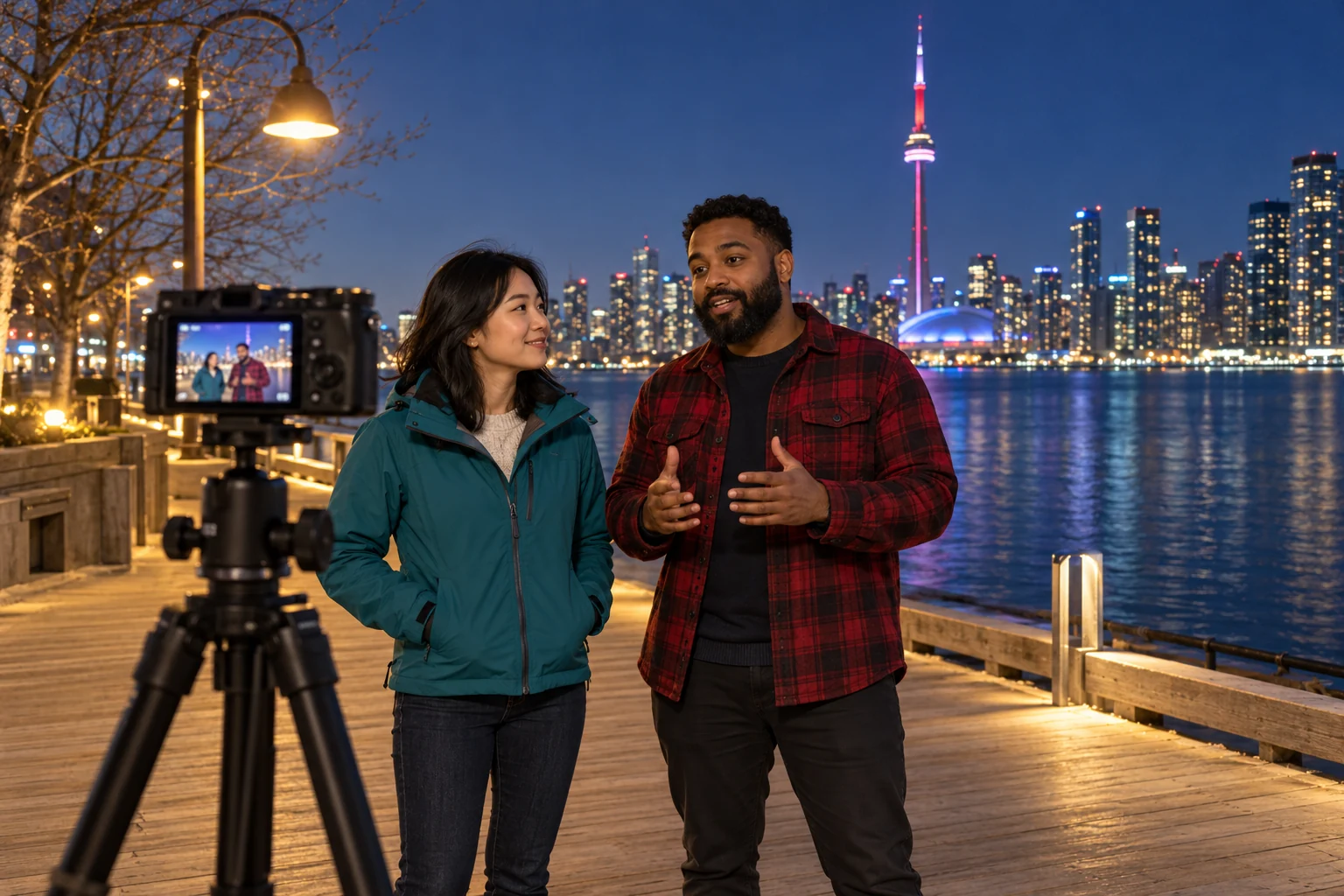
Two presenters start a livestream near the waterfront in Toronto in the late afternoon. They stay longer than planned to answer questions. After sunset, lights are visible across the water, but the presenters are standing in shadow. One person moves the camera while the other tries to find a brighter place. The repeated adjustments make the picture unsteady and the discussion confusing.
Check the faces on the camera screen before changing several settings. A bright skyline does not mean the people in front of it are well lit. A small light close to the camera can illuminate both presenters while keeping part of the waterfront visible behind them. Alternatively, choose a position where an existing light falls on their faces.
The lens controls how much light can reach the sensor. A wider aperture, meaning a larger opening in the lens, lets in more light. An interchangeable-lens camera gives you the option of choosing a lens for low light later. You still need a viewing angle that fits both people at the distance available.
Raising ISO can brighten the image, but high settings may make the video grainy. Slowing the shutter too much can make movement look blurred. Ask one presenter to turn their head or move a hand while checking a short recording. This shows whether the image remains useful during a conversation, rather than only when everyone stays still.
Prepare for the light at the end of the broadcast. Decide where an extra light will be placed and who will change the camera settings. If rain begins, move to a suitable covered location and protect the equipment according to its instructions. A lens or autofocus feature does not provide protection from the weather.
Case 2: A walking interview becomes difficult to follow
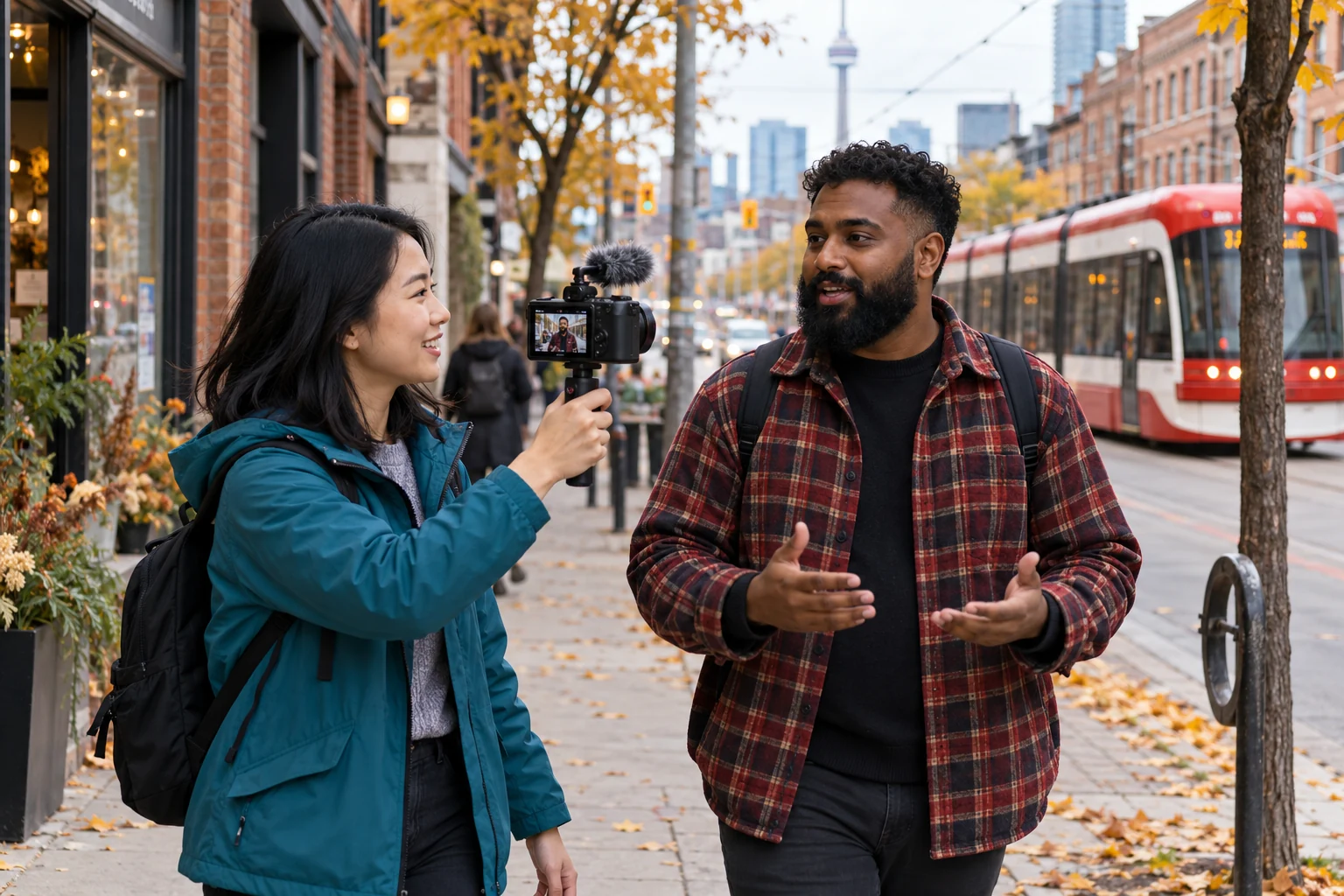
A presenter and guest are walking along a busy street. The presenter stops to show an activity nearby, then turns the camera back towards the guest. Other people pass close to them and a vehicle makes it difficult to hear. The quick movements, changing focus and competing voices create a chaotic result for viewers.
Autofocus that recognizes and tracks people can help when the distance to the guest changes. It is also useful to be able to select the intended person on the screen. If the camera starts following a passer-by, the operator needs a clear way to return focus to the guest. Try this before the broadcast using the lens you plan to take.
Hold the camera with enough support to turn it slowly. Stabilization helps reduce small camera movements, but it cannot remove every jolt from walking. If you regularly film long walks, consider a suitable grip or a separate motorized stabilizer. For an interview that does not need movement, stopping and using a tripod may be simpler.
The sound should be checked independently of the picture. A clip-on microphone near the guest can make their voice clearer than a microphone beside a camera farther away. Use suitable wind protection and make sure the presenter can also be heard. Ask both people to speak at their normal volume during the test.
Finally, check the connection at the place you will broadcast from. A detailed image is of limited use if the connection repeatedly interrupts the transmission. Plan where to stop for interviews and avoid making unnecessary changes to the camera, sound and connection at the same time.
Case 3: An extra speaker joins at a television studio
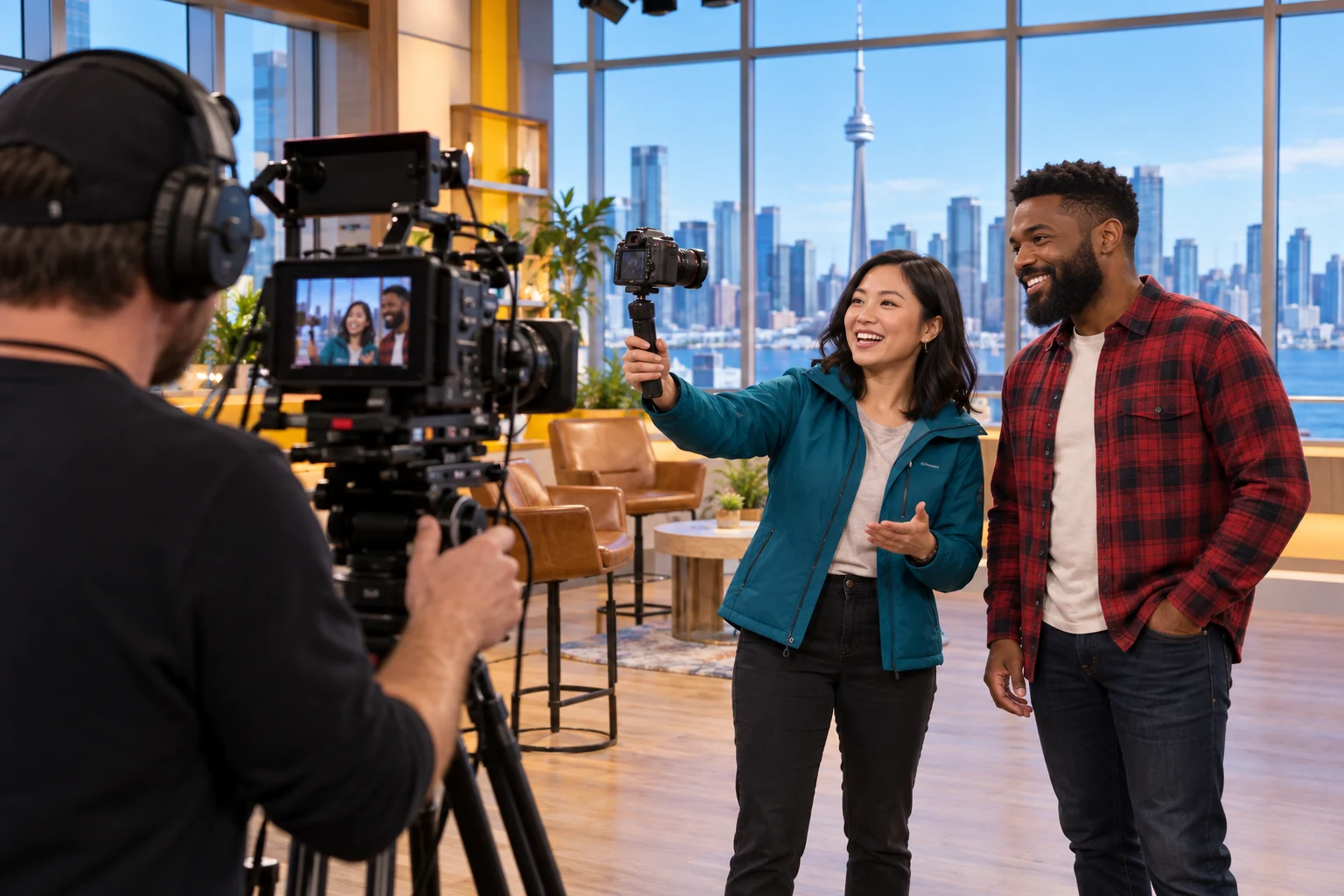
A creator has been invited to a Toronto television studio and starts a separate livestream before the programme recording. Another guest asks to join. The camera was set for one person, and the studio crew is moving equipment nearby. Both guests shift position while the creator adjusts the camera, making the picture briefly confused and unstable.
A zoom lens lets the operator change how much is visible without changing lenses. At its wider setting, it may fit both people from the same camera position. Check the actual space before relying on this: the distance to the guests and the camera settings also affect the view.
A screen that faces the guests allows them to check the framing themselves. Both faces should be fully visible, with room for small movements. Keeping the guests at roughly the same distance from the camera helps when trying to keep both in focus. Very strong background blur is less useful if it also leaves one speaker blurred.
A tripod can hold the position once the composition is ready. Check that both faces receive suitable light and that the microphone arrangement records both voices. The studio’s main lights and microphones may be set up for the programme, not for this separate broadcast.
If the footage needs to enter the studio’s own production system, ask the technical team which connection and video settings it expects. If you are streaming independently, test your usual equipment instead. This example does not describe an actual visit or a relationship between a television programme and the camera manufacturer.
Sony ZV-E10 II with the 16–50mm PZ II lens
Henry’s lists a Sony ZV-E10 II kit with the 16–50mm PZ II lens. Unlike a body-only offer, this option includes a lens. Sony’s camera features include a screen that can face the presenter and touch tracking for selecting a subject. Sony also documents USB streaming to a compatible computer.
The included powered zoom lets you adjust the view, which can be useful for changing from one speaker to two. The lens includes optical stabilization to help reduce small handheld movements. These features are relevant to the examples above, but the result still depends on lighting, distance and how the camera is held.
For regular broadcasts after dark, the kit may need an additional light or a lens with a wider maximum aperture. For outdoor conversations, consider microphones and wind protection. Check the computer or other streaming device, required cables and power arrangement before ordering. The camera-and-lens kit does not include every item needed for every broadcast.
- Screen facing the presenter
- Check the composition without standing behind the camera.
- Touch tracking
- Select the person you want the camera to follow.
- 16–50mm powered zoom
- Adjust the view with the included zoom lens.
- USB streaming
- Send video and audio to a compatible computer using a suitable cable.
Prepare for the changes you expect
Choose the setup around the type of broadcast you make most often. Test an evening interview after dark, a walking interview with people moving nearby, or a studio conversation with two speakers at the available distance.
Review the video and sound on another device. Check faces, movement, speech and connection interruptions separately so you know which part needs attention. A camera is easier to use during an unexpected situation when you have already practised the same adjustment and know which controls to use.
Sources and disclosure
Sources checked: 2026-10-21
Advertising article. A commercial link leads to the named seller; a commission is possible only if a referral agreement covers it. The seller handles the offer.